Troubleshooting
Why Auto-Focus Keeps Missing Your Subject's Eyes
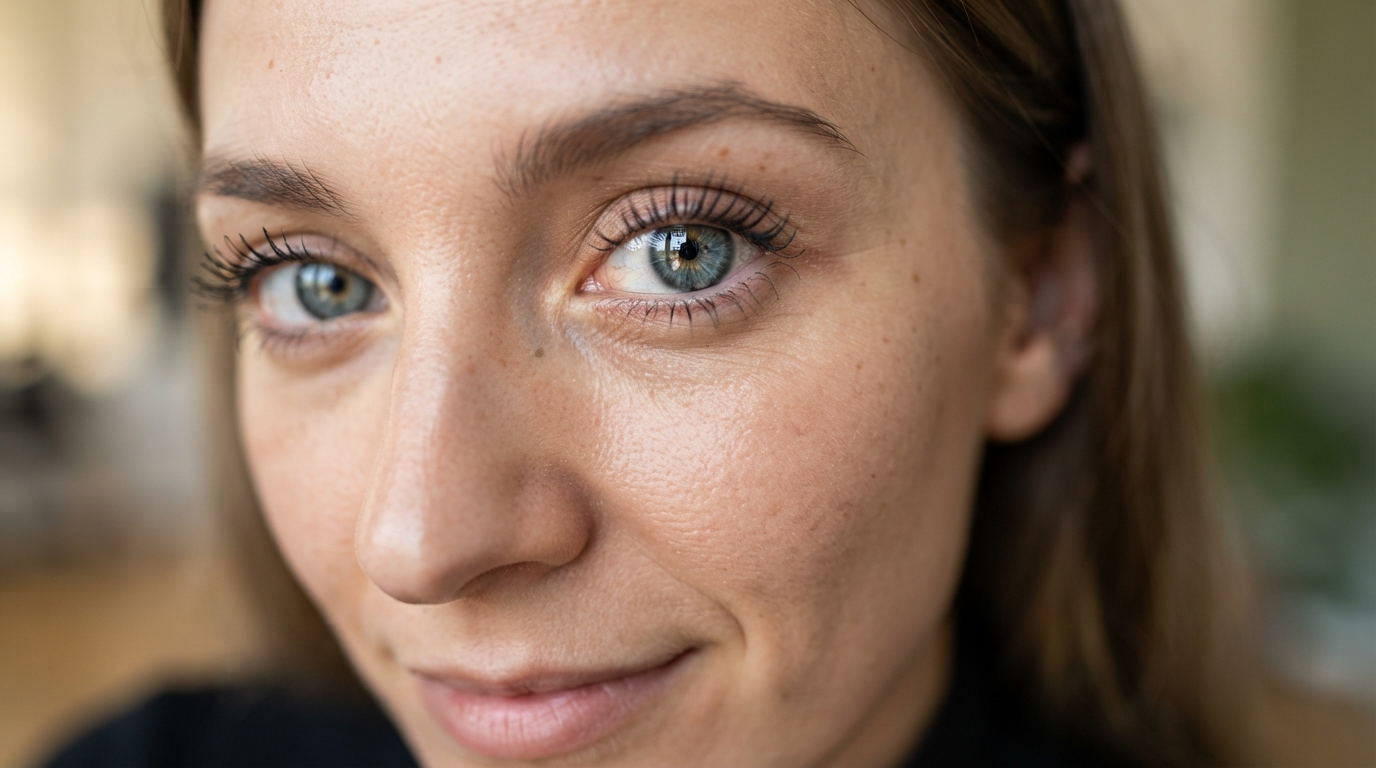
In portrait photography, there is one unbreakable rule: the eyes must be in focus. If the nose is sharp but the eyes are soft, the photo is a reject. So why does your camera constantly focus on the tip of the nose, the background, or the subject's shirt?
Because if you let the camera choose the focus point, it will usually choose whatever is closest to the lens or whatever has the highest contrast.
Taking Control of the Focus Point
You must switch your camera from "Auto Area AF" (where the camera guesses) to "Single Point AF." This gives you a single box in your viewfinder that you can move around with your thumbstick or directional pad.
The Assignment: Switch to Single Point AF. Frame your portrait, move the little box directly over your subject's closest eye, half-press the shutter to lock focus, and take the shot. Review the image zoomed in—you'll see a massive difference in sharpness.
Tired of missing focus on important moments? In my DSLR photography 101 course, Camera Zero to Hero, I teach you bulletproof focusing techniques. Enroll today and transform your photography.